
Black Friday 8 min read
Black Friday Stockouts on Shopify: How to Recover Every Lost Sale in 2026
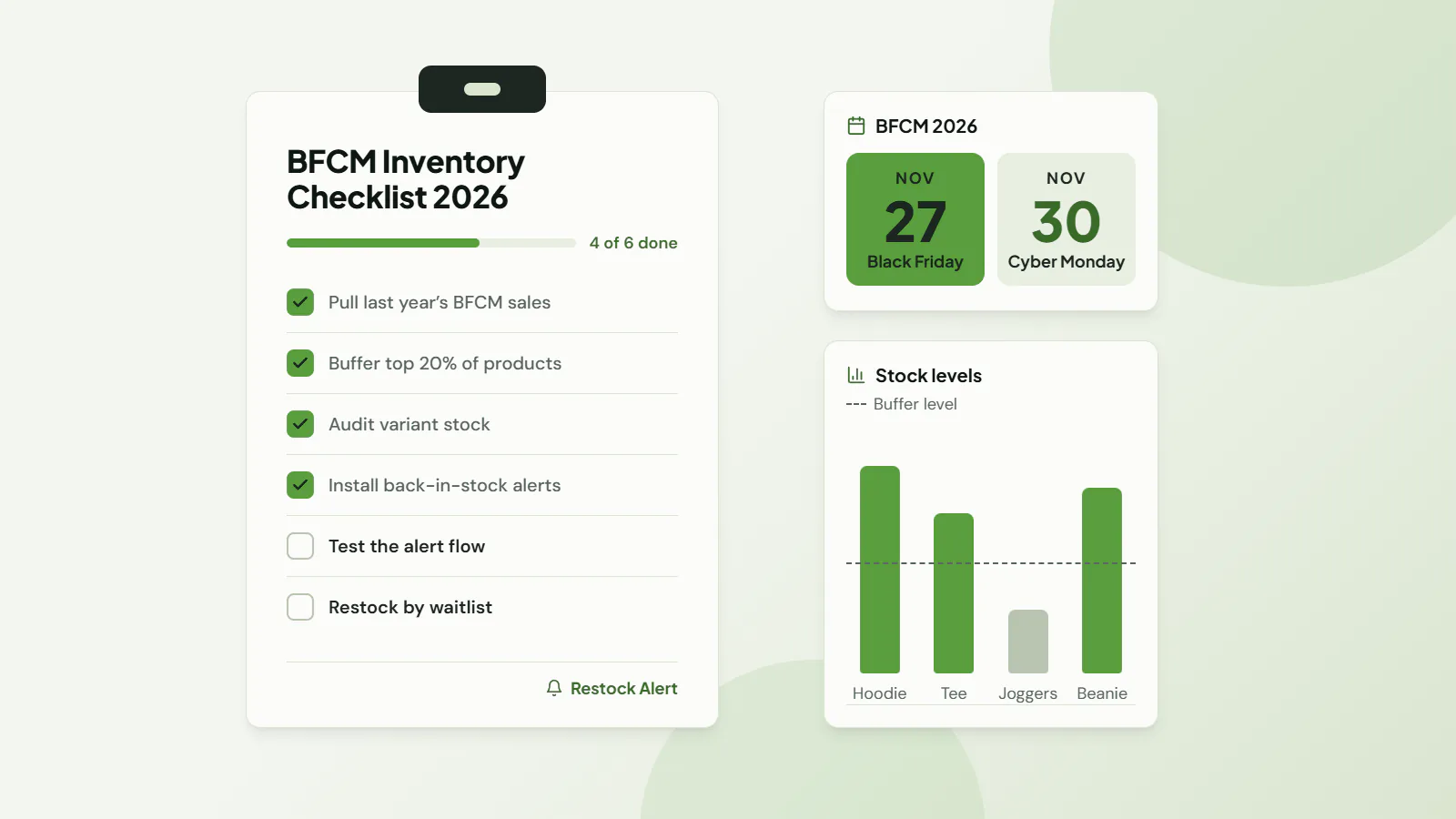
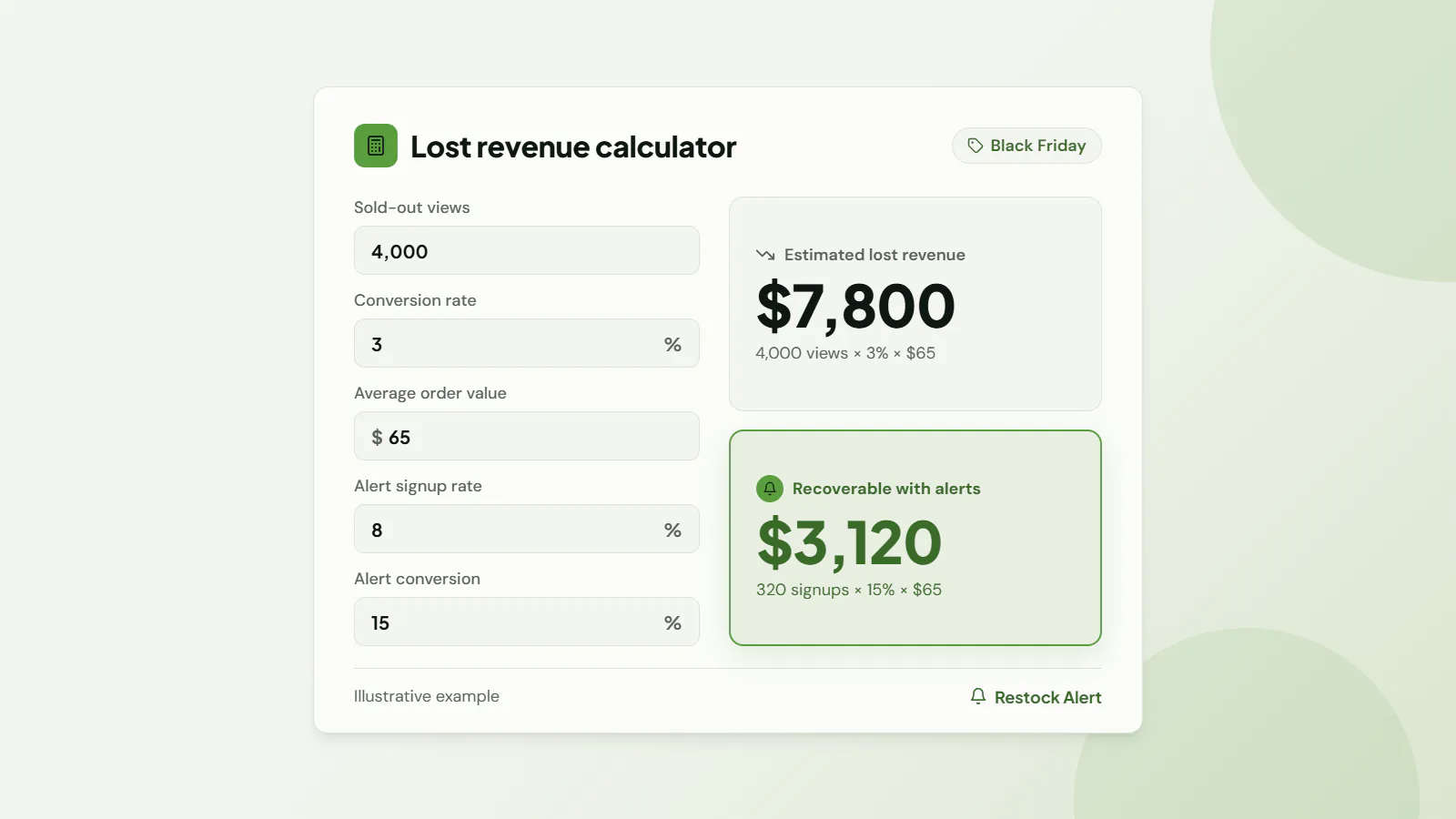
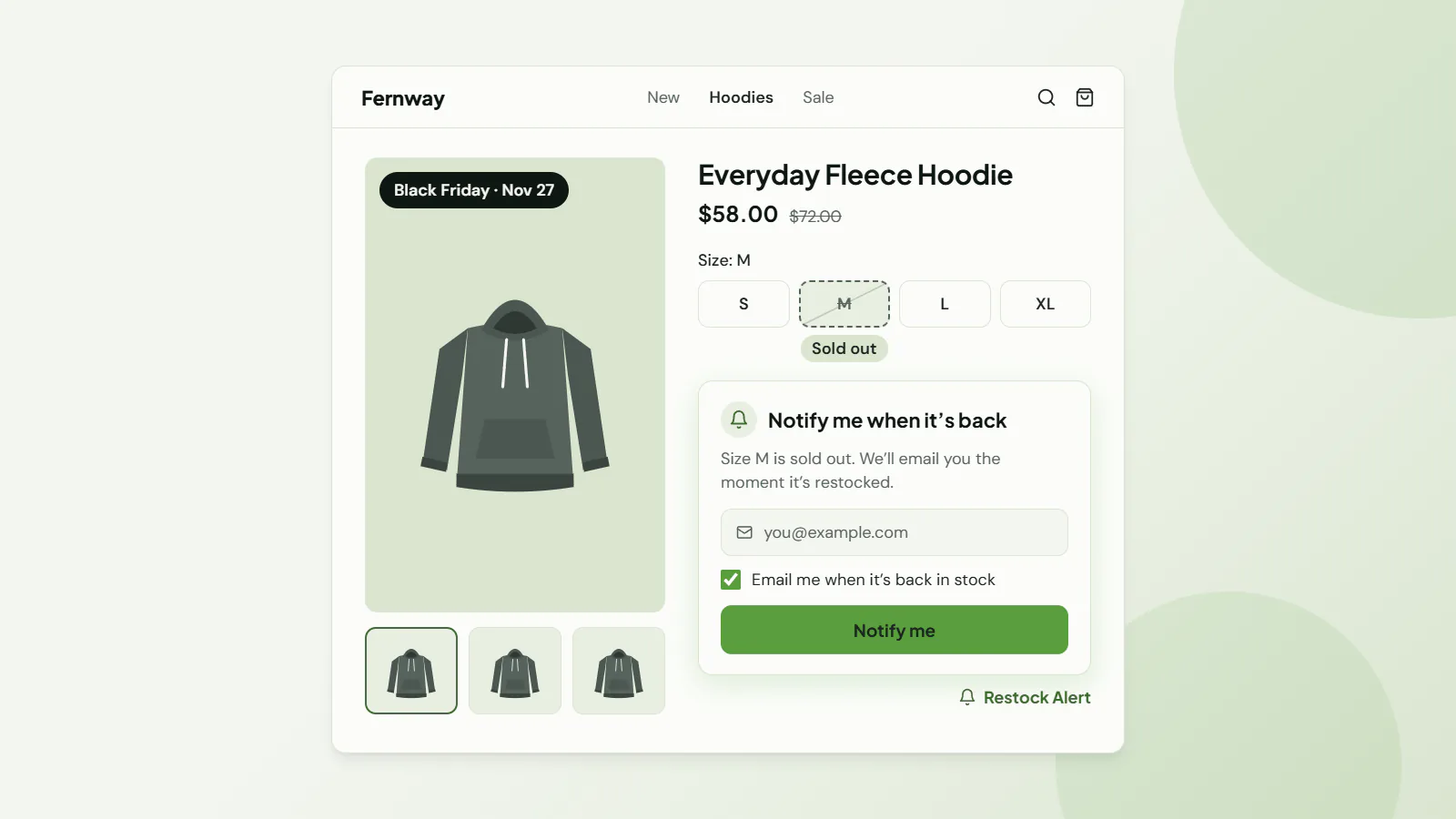
Selling out on Black Friday feels like a win, until you count the shoppers who left empty-handed. Here is the playbook for capturing that demand and turning it into revenue after you restock.