What Sold-Out Products Really Cost You on Black Friday (Free Lost Revenue Calculator)
Stockouts never show up as failed orders, so most stores underestimate what they cost. Use this simple formula and free calculator to size your Black Friday lost revenue and how much you can recover.
Key takeaways
- Lost revenue = sold-out page views × normal conversion rate × average order value.
- Recoverable revenue depends on how many of those shoppers join a waitlist and how many buy after the alert.
- Without a signup form, the recoverable share is effectively zero.
- Your own numbers matter more than industry averages. Use the calculator with your Shopify data.
On this page
When a product sells out, Shopify stops recording sales for it. It does not record the sales you would have made. That is why stockouts feel cheap: the cost is invisible. It shows up as product-page sessions that never add to cart, and as ad spend on clicks that could not convert.
Over Black Friday and Cyber Monday, those invisible losses add up fast. This guide gives you a simple formula, a free calculator and a way to estimate how much of the loss a back-in-stock waitlist can win back.
The lost revenue formula
You need three numbers for each sold-out product, or for your store as a whole:
- Sold-out views: product page sessions while the variant was unavailable. Shopify Analytics shows sessions by landing page and product.
- Normal conversion rate: the product's conversion rate when it was in stock. Use your store average if you do not have product-level data.
- Average order value (AOV): from your Shopify Analytics overview, ideally for the same sale period last year.
Lost revenue = sold-out views × normal conversion rate × average order value
To estimate how much you can recover, add two more numbers: the share of sold-out visitors who join a waitlist (signup rate), and the share of subscribers who buy after the restock alert (alert conversion rate).
Recoverable revenue = sold-out views × signup rate × alert conversion rate × average order value
Black Friday lost revenue calculator
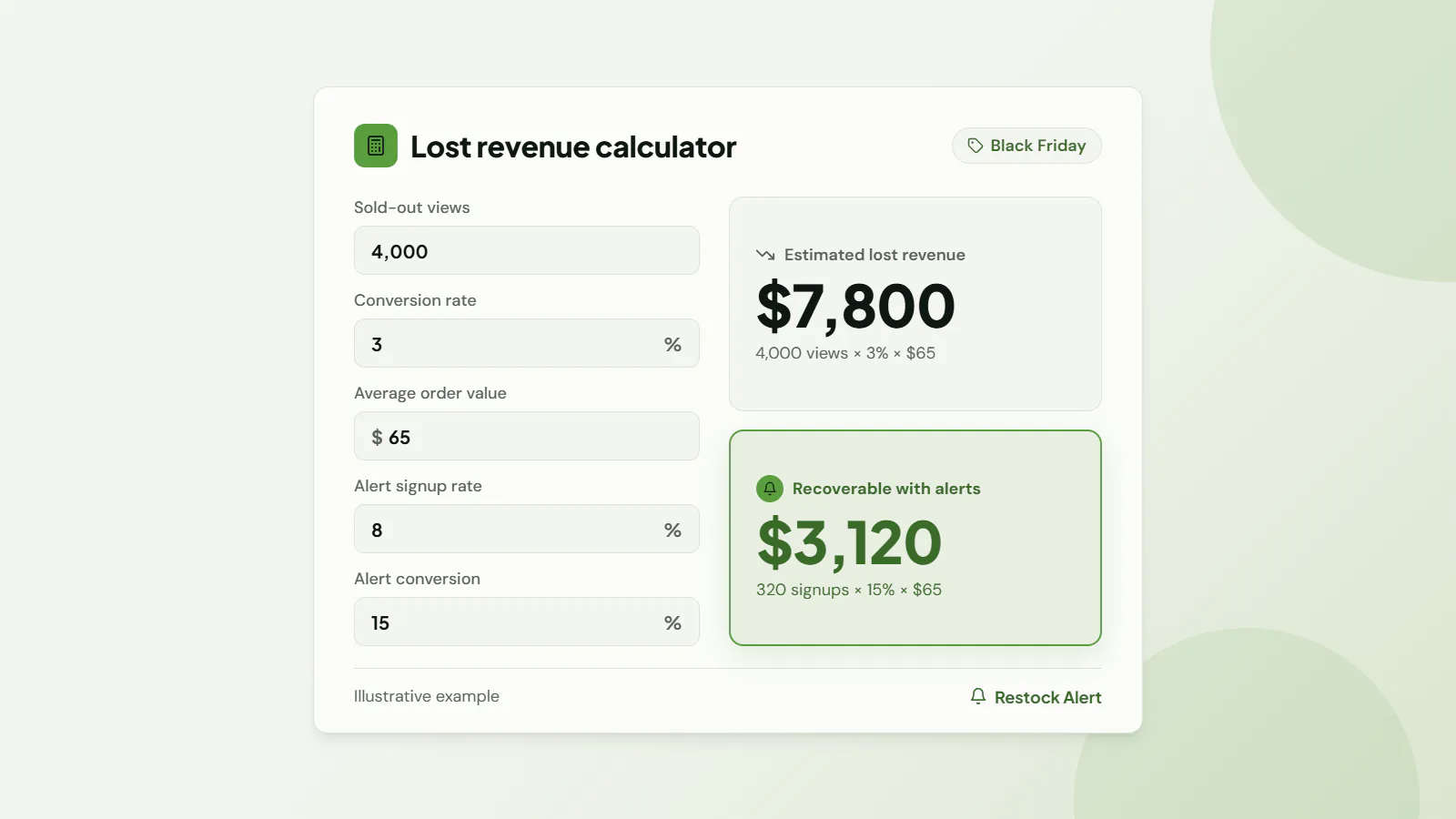
Enter your own numbers below. The defaults are an illustrative example only, not a benchmark. Replace them with your Shopify data for a real estimate.
Lost revenue calculator
Defaults are an illustrative example. Enter your own numbers.
Sessions on sold-out products over BFCM
When the product is in stock
From Shopify Analytics
Sold-out visitors who join the waitlist
Subscribers who buy after the alert
Estimated lost revenue
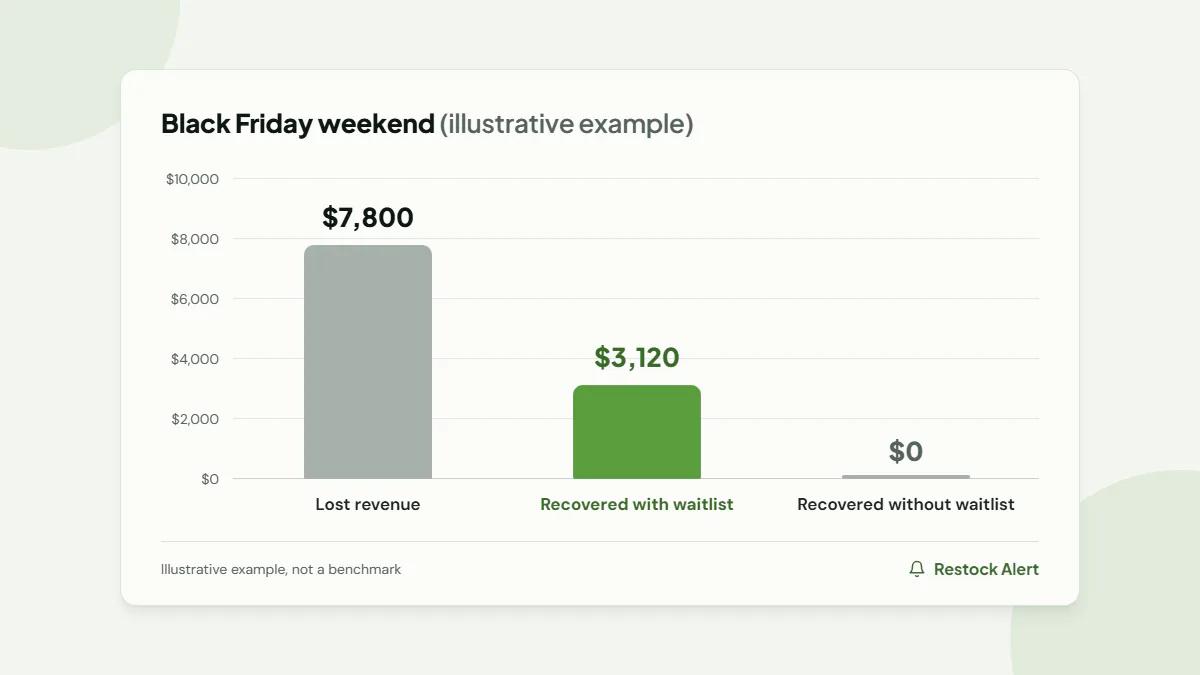
$7,800
Without a waitlist, almost none of this comes back.
Recoverable with back-in-stock alerts
$3,120
320 subscribers, about 48 recovered orders
A worked example
Here is an illustrative store, to show how the numbers interact. These are example inputs, not industry statistics.
| Input | Value |
|---|---|
| Sold-out product views over BFCM | 4,000 |
| Normal conversion rate for those products | 3% |
| Average order value | $65 |
| Shoppers who join the waitlist | 8% |
| Subscribers who buy after the alert | 15% |
- Lost revenue: 4,000 × 3% × $65 = $7,800 that weekend.
- Waitlist subscribers: 4,000 × 8% = 320 shoppers with an email address.
- Recovered orders: 320 × 15% = 48 orders, or about $3,120 in revenue.
- Without a waitlist: recovered revenue is effectively $0, because there is no way to reach those shoppers.
Even if your numbers are a fraction of this, the cost of a waitlist is tiny by comparison. A back-in-stock app such as Restock Alert is free for the first 50 alerts and $4/month for unlimited.
How to improve each number
Raise the signup rate
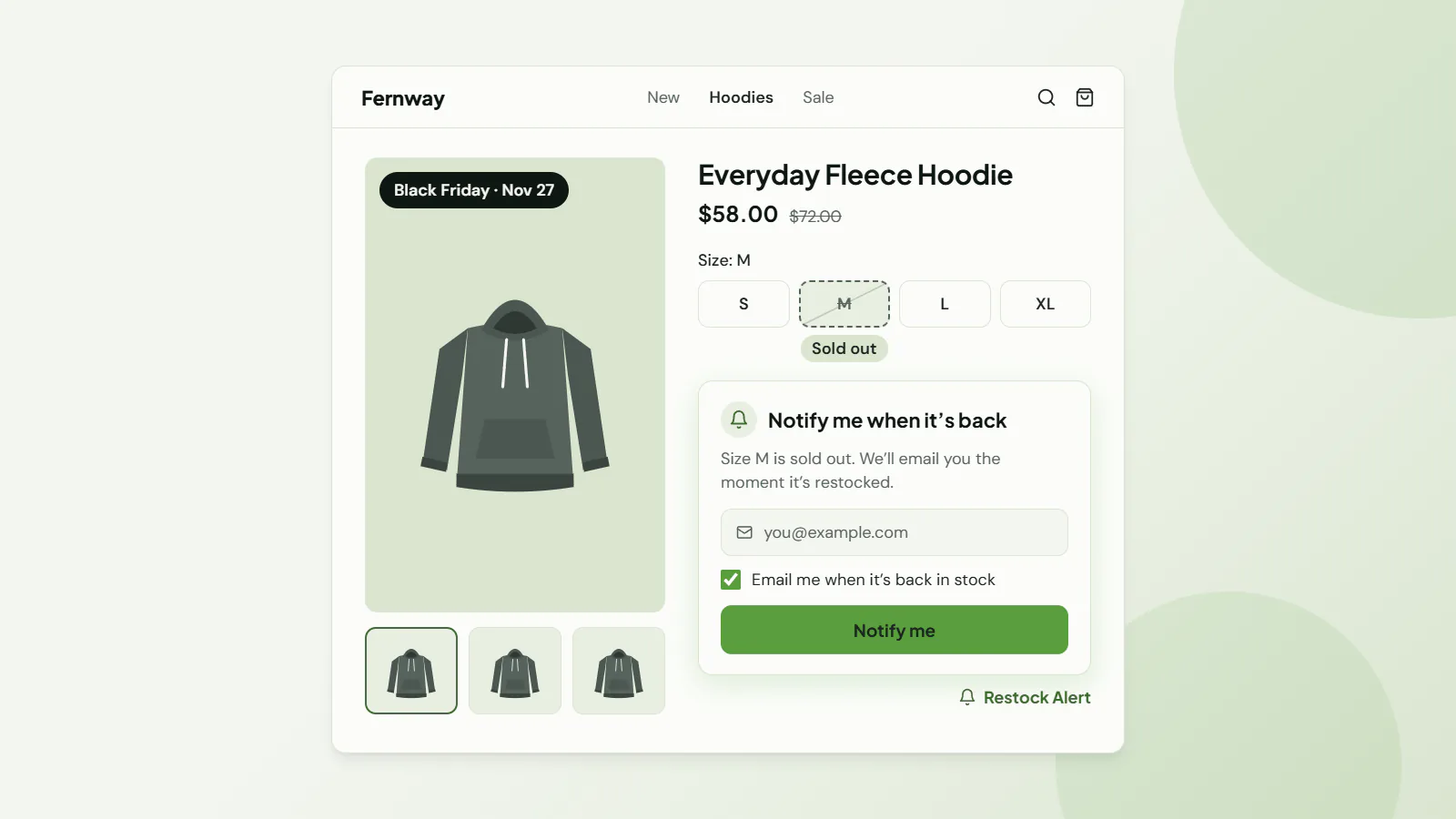
- Show the form directly where the Add to cart button would be, not hidden in a tab.
- Keep it to one email field, a consent checkbox and one button.
- Work at variant level, so shoppers subscribe to the size or color they actually want.
- Use clear copy such as Notify me when it's back.
Raise the alert conversion rate
- Send the alert the moment the variant is purchasable again. Delays let stock sell out a second time.
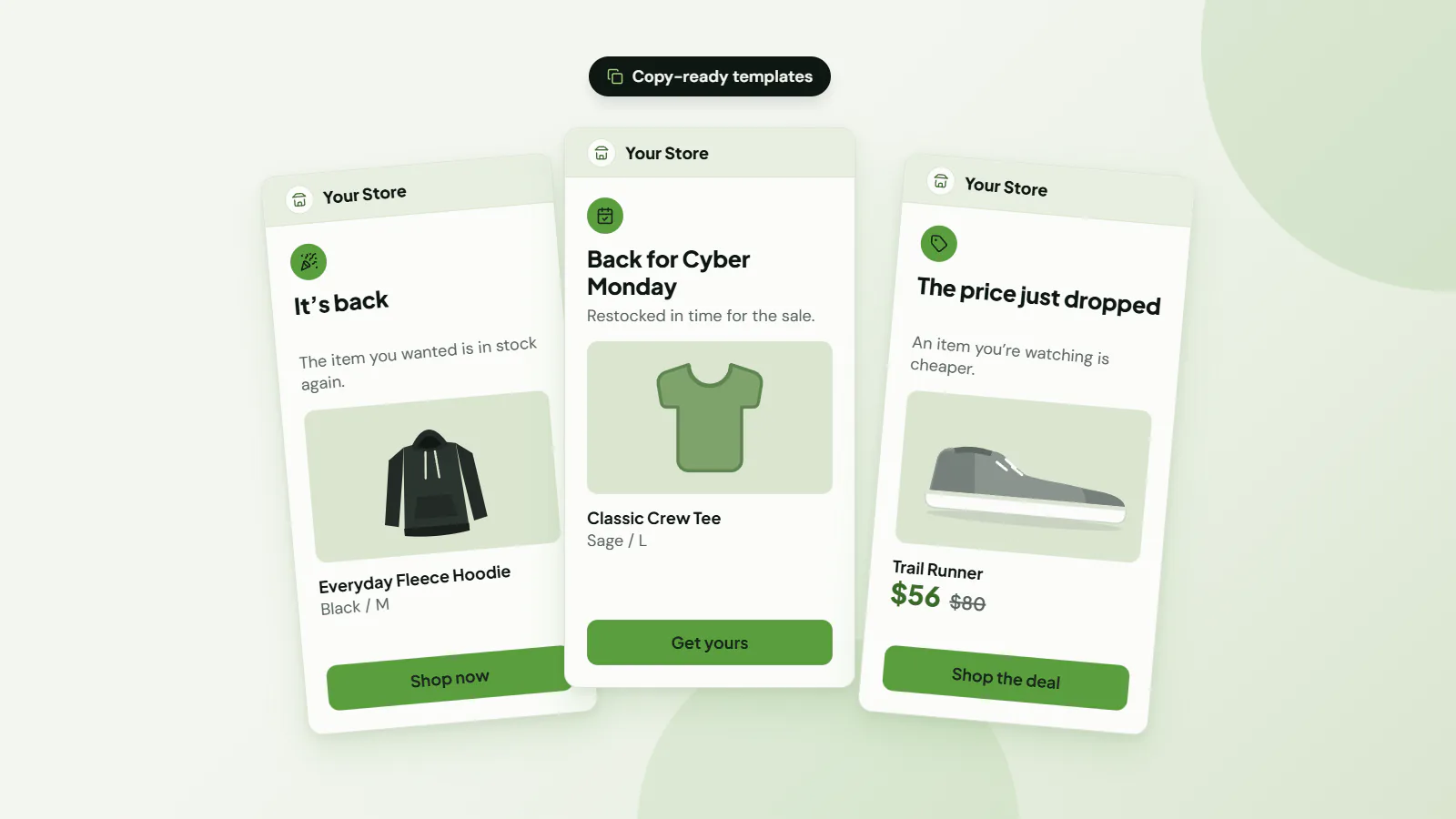
- Show the product image and exact variant in the email, and link straight to that variant.
- Brand the email so it is recognized and trusted.
- Restock before holiday shipping cutoffs so the alert is still useful.
- For high-value items, follow up personally by WhatsApp or SMS.
Our back-in-stock email templates for BFCM cover the email side in detail.
Shrink the sold-out views
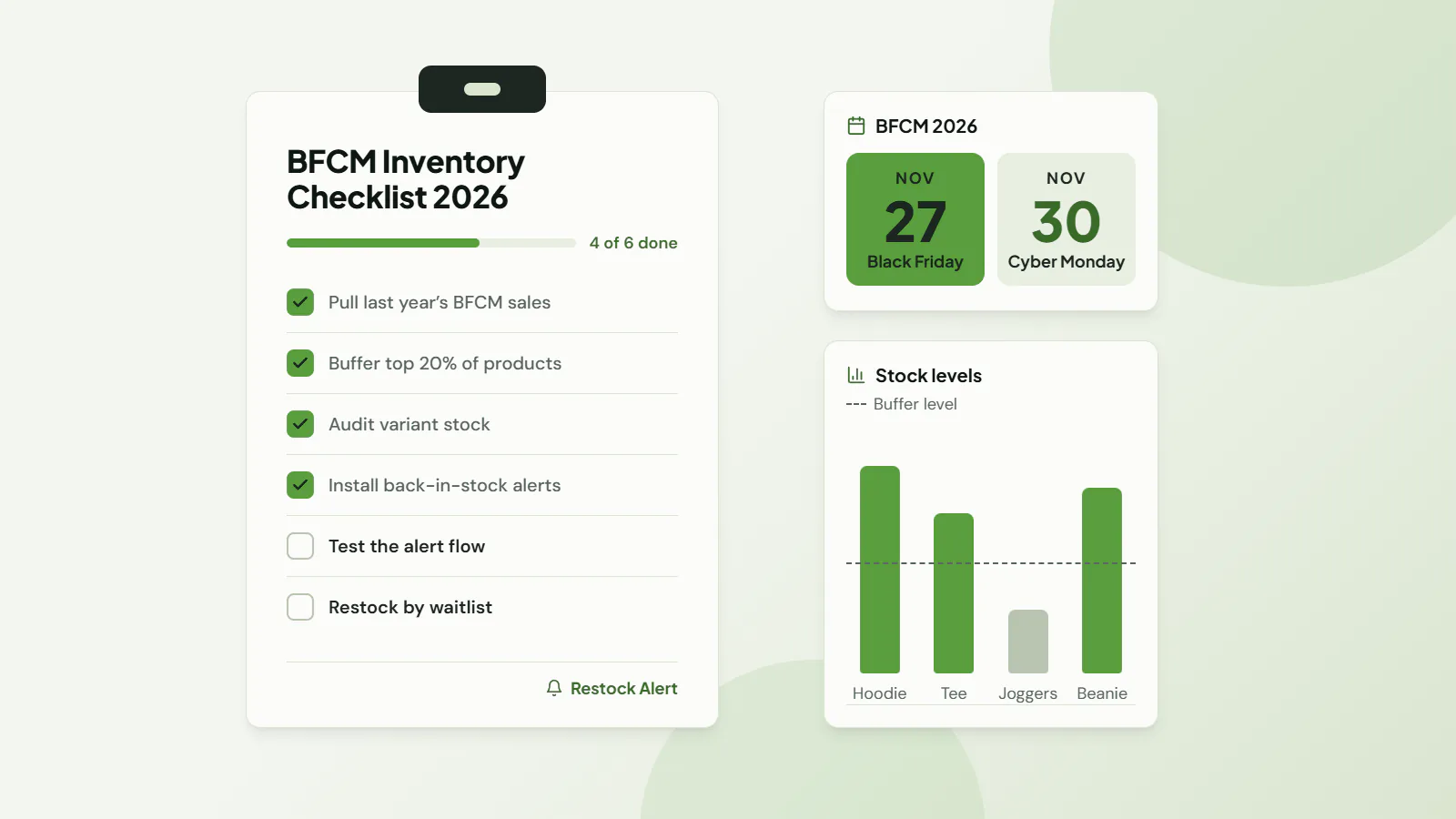
The cheapest lost sale is the one that never happens. Better forecasting reduces stockouts in the first place. Work through the Shopify BFCM inventory checklist to protect your best sellers.
Measure it after the sale
After Cyber Monday, compare your estimate with reality. In Restock Alert, the dashboard shows restock requests pending, price-drop watchers and alerts sent, plus your top 5 most-requested products. Compare alerts sent with orders for those products in the days after each restock to see your real alert conversion rate, then use it in next year's plan.