Price-Drop Alerts for Black Friday: Turn Shopify Window Shoppers Into Buyers
Most shoppers who browse your products in November are waiting for a better price. Price-drop alerts let them tell you so, then bring them back automatically the moment your Black Friday discount goes live.
Key takeaways
- November browsers often delay buying because they expect a Black Friday discount.
- A price-drop form on in-stock product pages captures those shoppers before they leave.
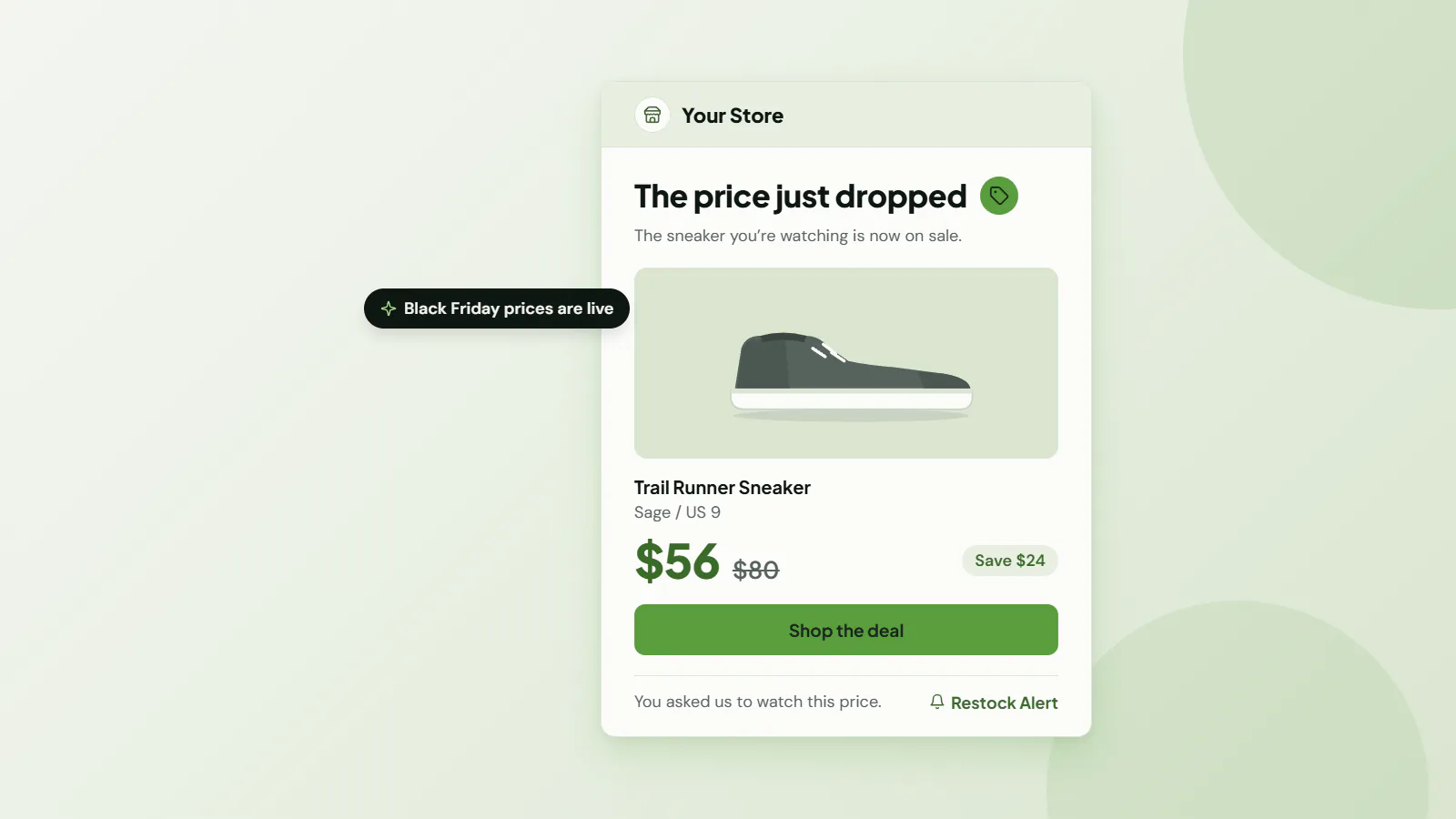
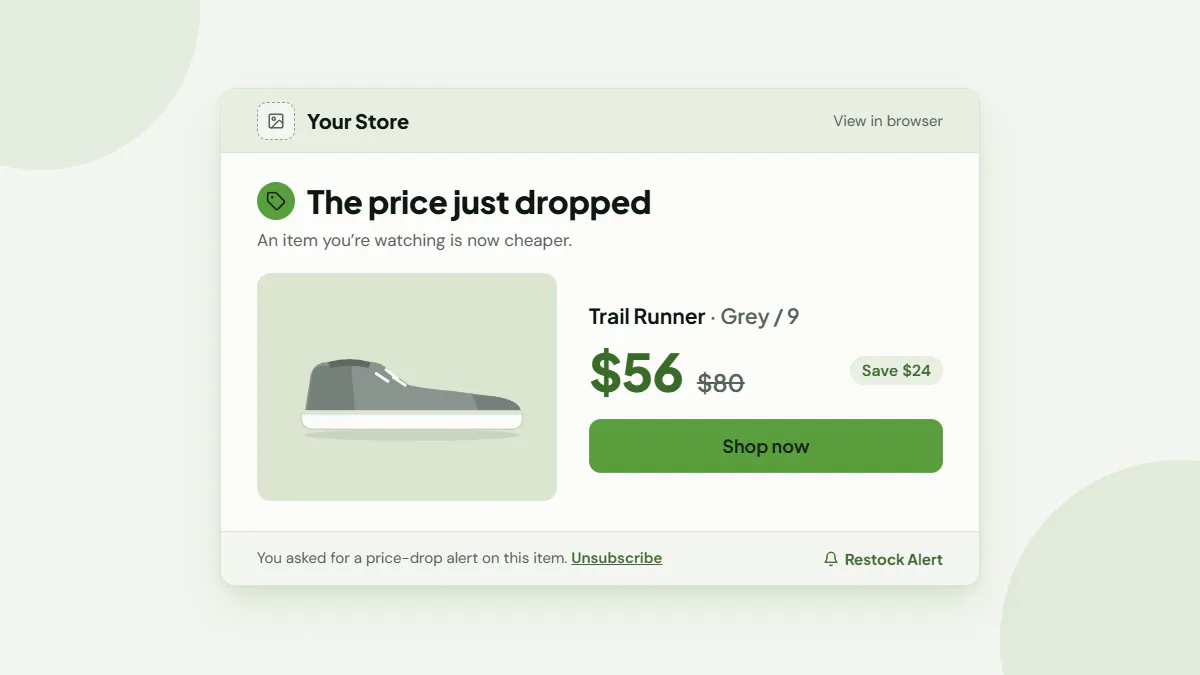
- When you lower the price, every watcher gets an email with the old price struck through and the new price.
- Use watcher counts to decide which products deserve the deepest discounts.
- Restock Alert runs price-drop and back-in-stock alerts from the same widget.
On this page
Every November, traffic to your Shopify store climbs while conversion rates often dip. Shoppers are researching. They add products to wishlists, compare prices and leave, waiting for Black Friday. Some of them come back. Many forget, or buy wherever they happen to see a discount first.
A price-drop alert closes that gap. It gives the hesitant shopper a one-click way to say "tell me when this is cheaper", then emails them automatically the moment you lower the price. For Black Friday and Cyber Monday, it is one of the simplest ways to turn pre-sale browsing into sale-day orders.
What is a price-drop alert?
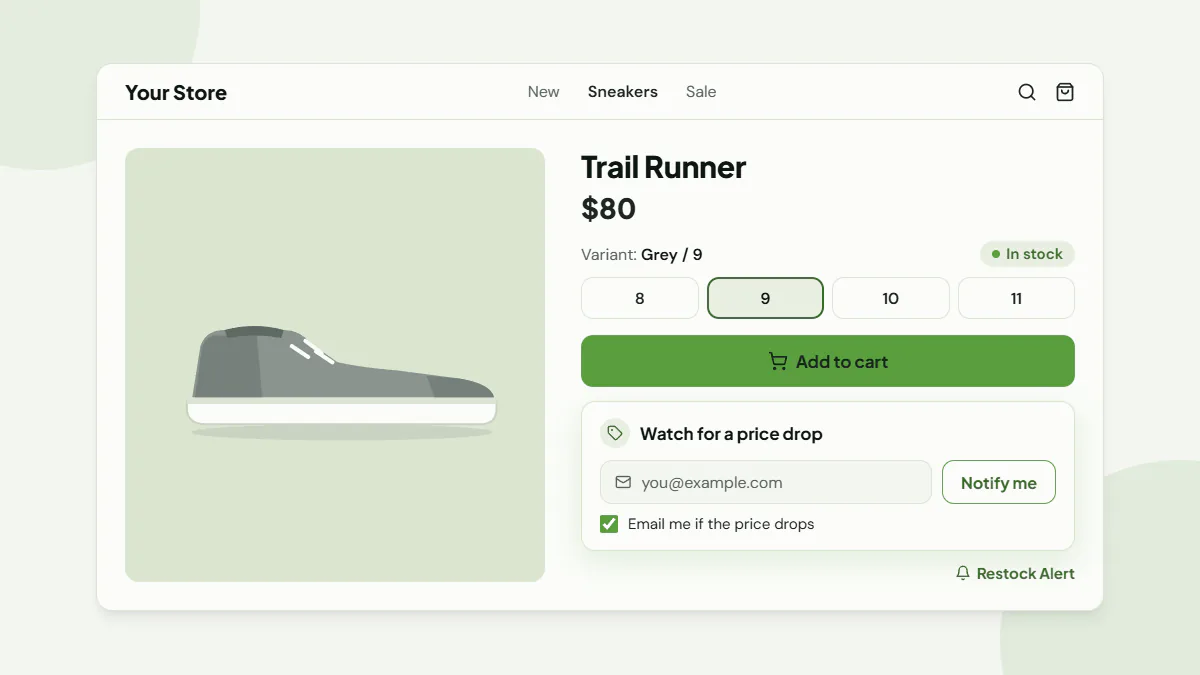
A price-drop alert is a short signup form on an in-stock product page. The shopper enters their email and clicks Watch for a price drop. Later, when the product's price goes below the price they saw, an email goes out automatically showing the original price struck through next to the new lower price, with a button straight to the product.
It is the in-stock cousin of a back-in-stock alert. One captures shoppers who cannot buy because a product is sold out. The other captures shoppers who will not buy yet because of the price.
Why price-drop alerts work so well for BFCM
- The intent is already there. A watcher picked this exact product. The only thing missing was the price.
- The timing is perfect. The email lands at the moment your discount goes live, before the shopper sees a competitor's ad.
- It is opted-in. Shoppers asked for this email, so it reads as a helpful update, not a promotion.
- It shows you where to discount. Products with many watchers are the ones where a discount is most likely to pay off.
The Black Friday price-drop playbook
Before the sale: collect watchers
Turn the price-drop form on now, two weeks before Black Friday, so it can collect watchers from early-November browsing. The longer it runs before the sale, the bigger the list you can convert on the day.
Plan your discounts with watcher data
Check which products have the most watchers. These are products shoppers want but feel are slightly overpriced. A meaningful discount on them is likely to convert many watchers at once. Products with no watchers may not need as deep a cut.
Lower the price in Shopify, not with a code
Price-drop alerts react to the product's actual price. A discount code applied at checkout does not change the price, so it will not trigger an alert. For products you want to promote to watchers, set a sale price with Compare-at price instead.
On Black Friday: let the alerts fire
When your sale prices go live, Shopify fires a product update and the alerts send immediately. There is no list to export and no campaign to schedule. If you stage prices in waves, say Black Friday first and Cyber Monday second, each wave triggers alerts for its own products.
After the sale: keep watchers warm
Not every watcher buys on Black Friday. Keep the form on into December. Any further price change, such as a holiday markdown or a clearance price in January, triggers another alert to remaining watchers.
What makes a good price-drop email
- Show both prices. The struck-through original next to the new price is the whole story. Make it the first thing the shopper sees.
- Show the product. A product image and name confirm this is the item they watched.
- One button. Shop now, linking straight to the product, not your homepage.
- Your brand. Logo, colors and store name so the email is instantly recognizable.
- Short copy. A headline and one sentence are enough. The price does the selling.
Price-drop alerts with Restock Alert
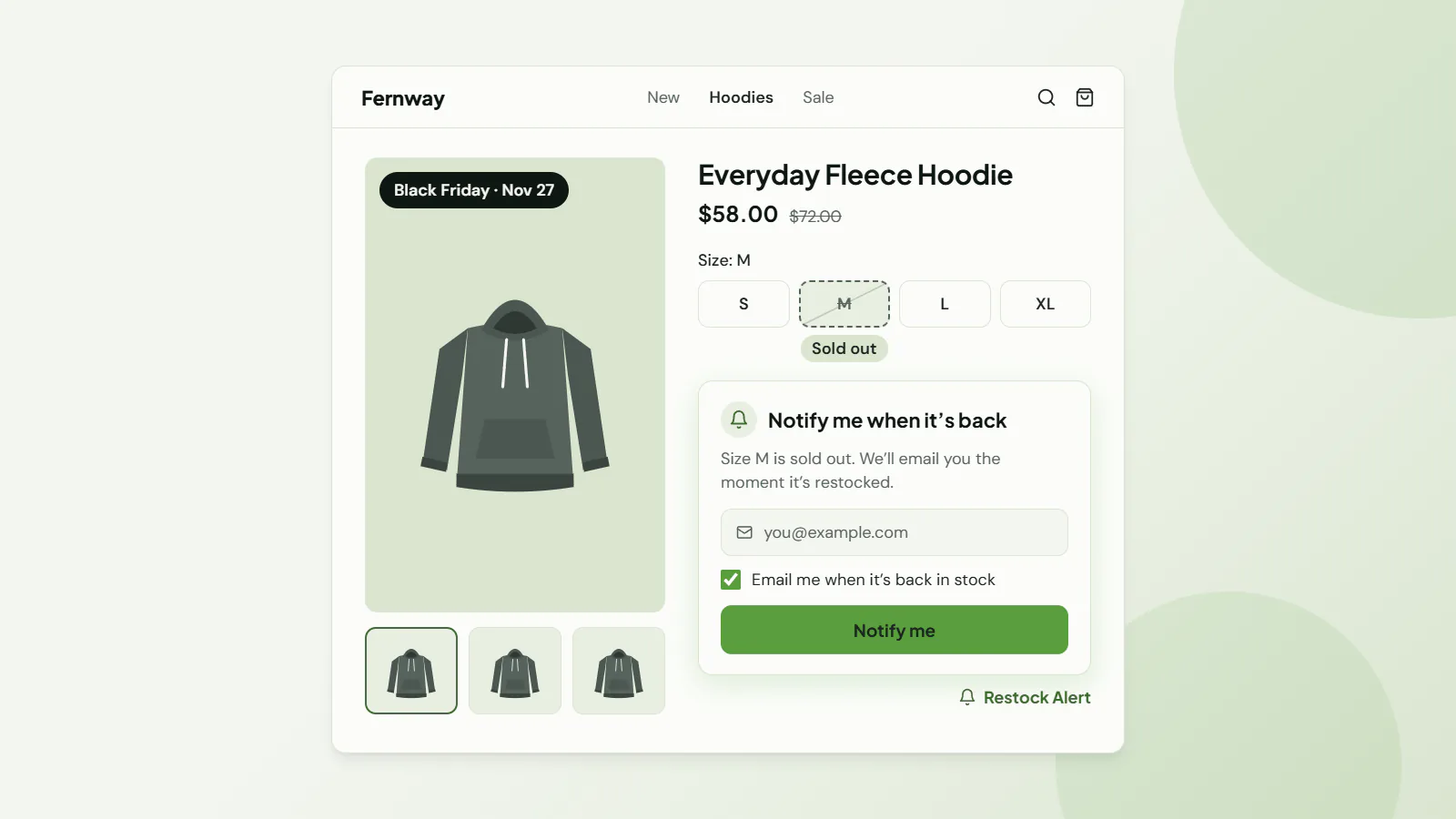
Restock Alert runs price-drop and back-in-stock alerts from one theme app block. On in-stock variants it shows the price-drop form. On sold-out variants it switches to the restock form automatically. You do not manage two apps or two widgets.
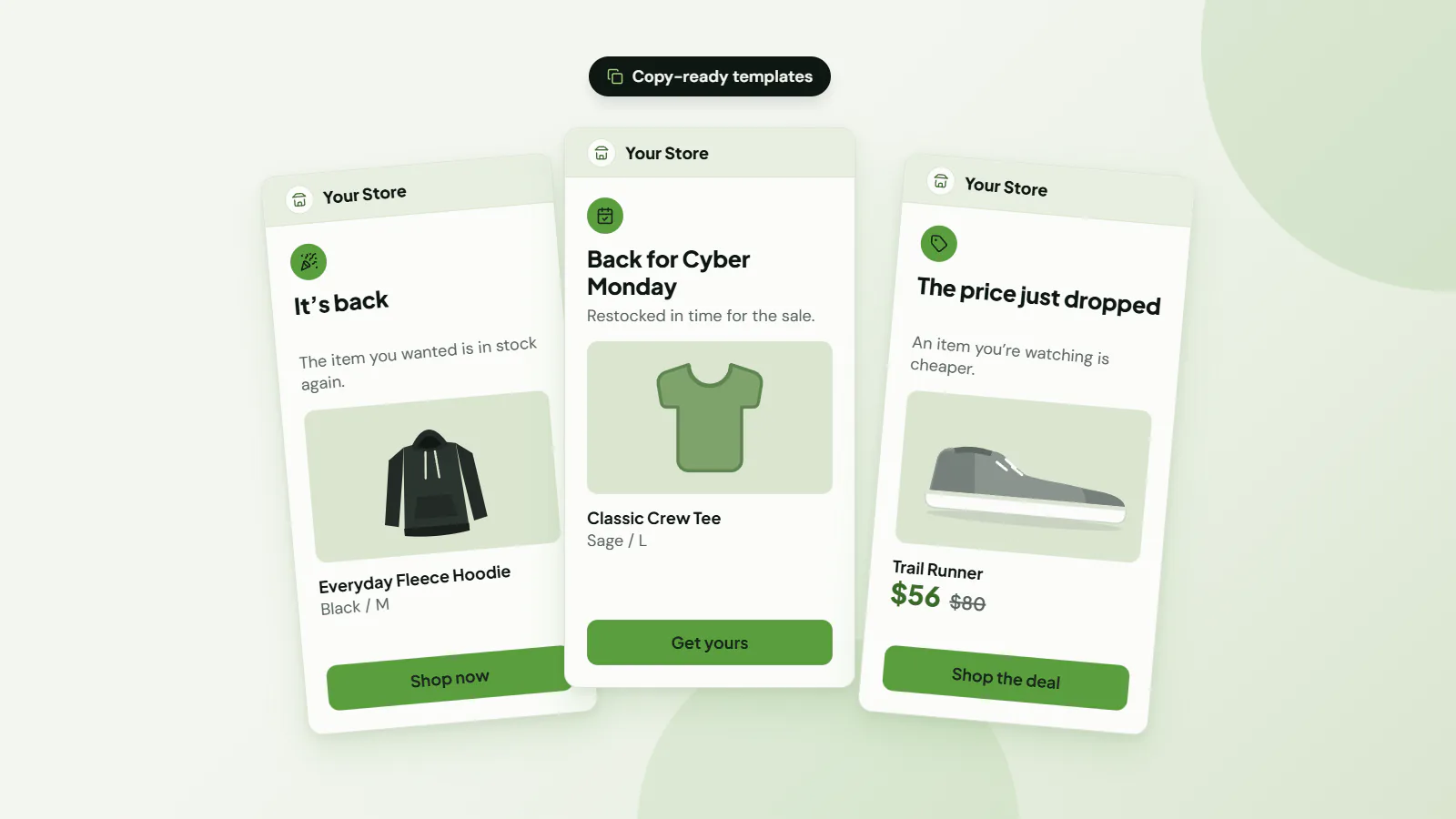
- Price-drop emails show the product image, name, variant, the subscribed price and the new price.
- Alerts send the moment Shopify registers the lower price.
- Separate wording for price-drop and restock emails, all in your branding.
- The dashboard lists your top 5 most-watched products, a direct signal for where promotions will have the biggest impact.
- Not running a sale? Switch the price-drop form off in the theme editor and keep restock alerts only.
Restock Alert is free for the first 50 combined alerts, then $4/month for unlimited on Pro. Elite at $15/month adds live chat, pending request reminders, CSV export and guided installation.
Common mistakes to avoid
- Turning the form on the morning of Black Friday. You need watchers before the price drops.
- Discounting with codes only. Codes do not change the product price, so watchers never hear about them.
- Linking to the homepage. Every extra click loses buyers. Link to the product.
- Ignoring watcher data. The list of most-watched products is free market research.
Pair price-drop alerts with restock alerts for full coverage, and see how to write the emails in our back-in-stock and price-drop email templates for BFCM.