How to Choose a Shopify Back-in-Stock App Before Black Friday: A 10-Point Checklist
Not all back-in-stock apps are built for a Black Friday rush. Use these ten questions to choose a Shopify restock alert app that sends fast, looks on-brand and does not punish you with per-alert pricing.
Key takeaways
- Alert speed matters most during BFCM. Look for alerts triggered by Shopify webhooks, not scheduled checks.
- Variant-level subscriptions are non-negotiable for apparel, footwear and any product with options.
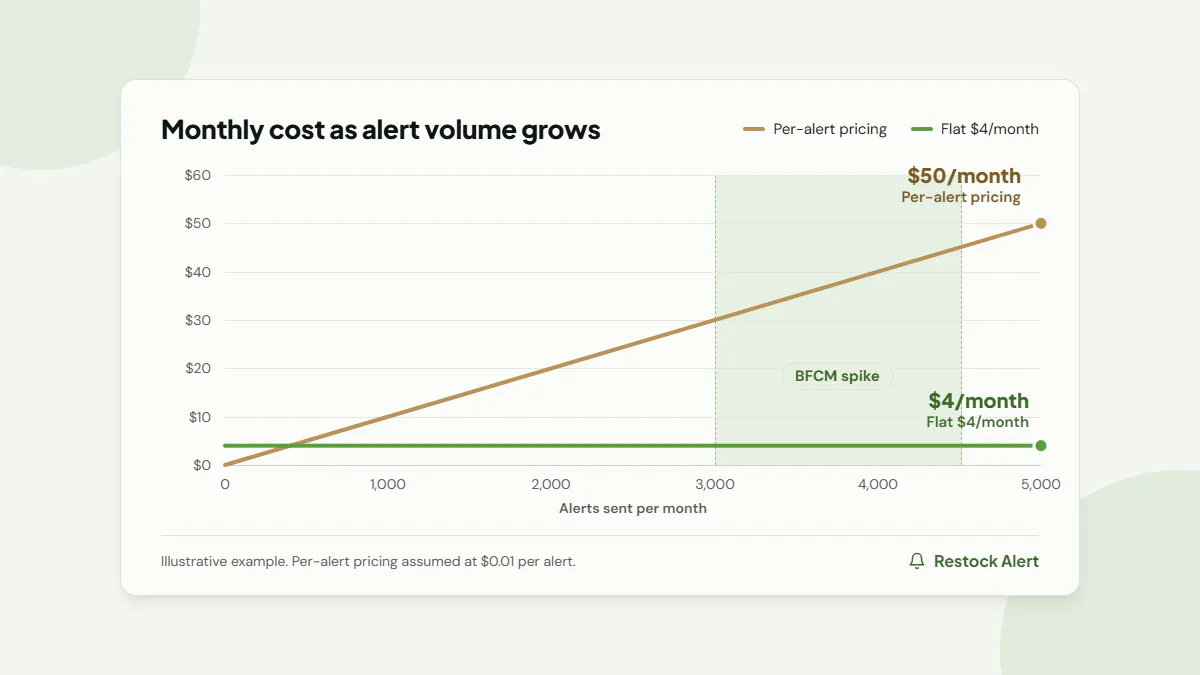
- Check pricing at Black Friday volume. Per-alert or per-subscriber pricing can spike in your busiest month.
- Prefer a theme app block that installs without code and only loads on product pages.
- Bonus points for price-drop alerts and demand analytics from the same widget.
If you are installing a back-in-stock app for Black Friday, you are choosing it under pressure, a week or two before the busiest weekend of the year. That is exactly when a slow, clunky or unexpectedly expensive app hurts most. Use these ten questions to evaluate any Shopify back-in-stock app, including ours.
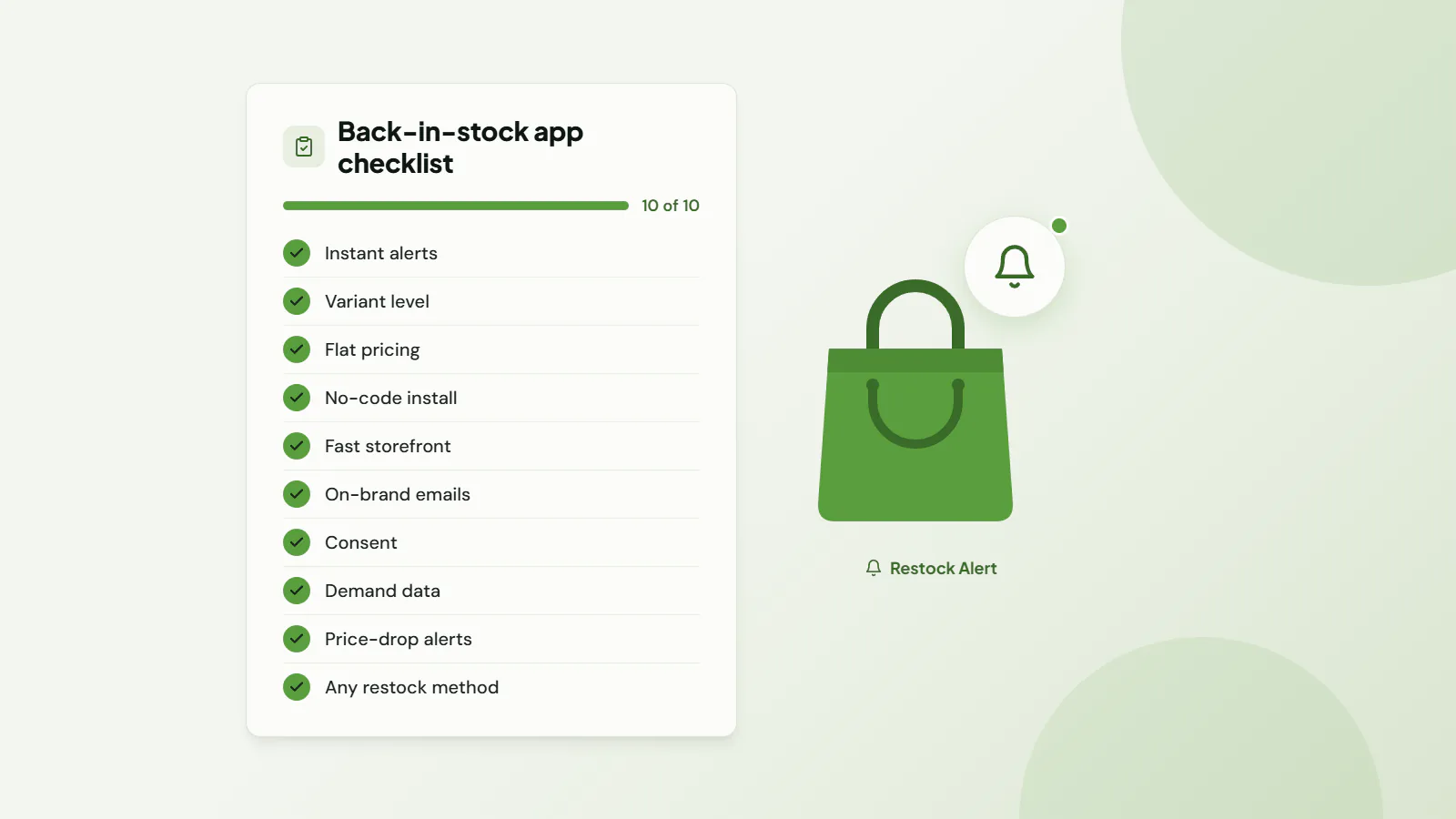
The 10-point checklist
1. How fast do alerts send?
During BFCM, restocked inventory can sell out again within hours. Ask whether alerts are triggered by Shopify inventory webhooks the moment stock changes, or by a scheduled job that checks every so often. Webhook-driven alerts reach shoppers first.
2. Does it work at variant level?
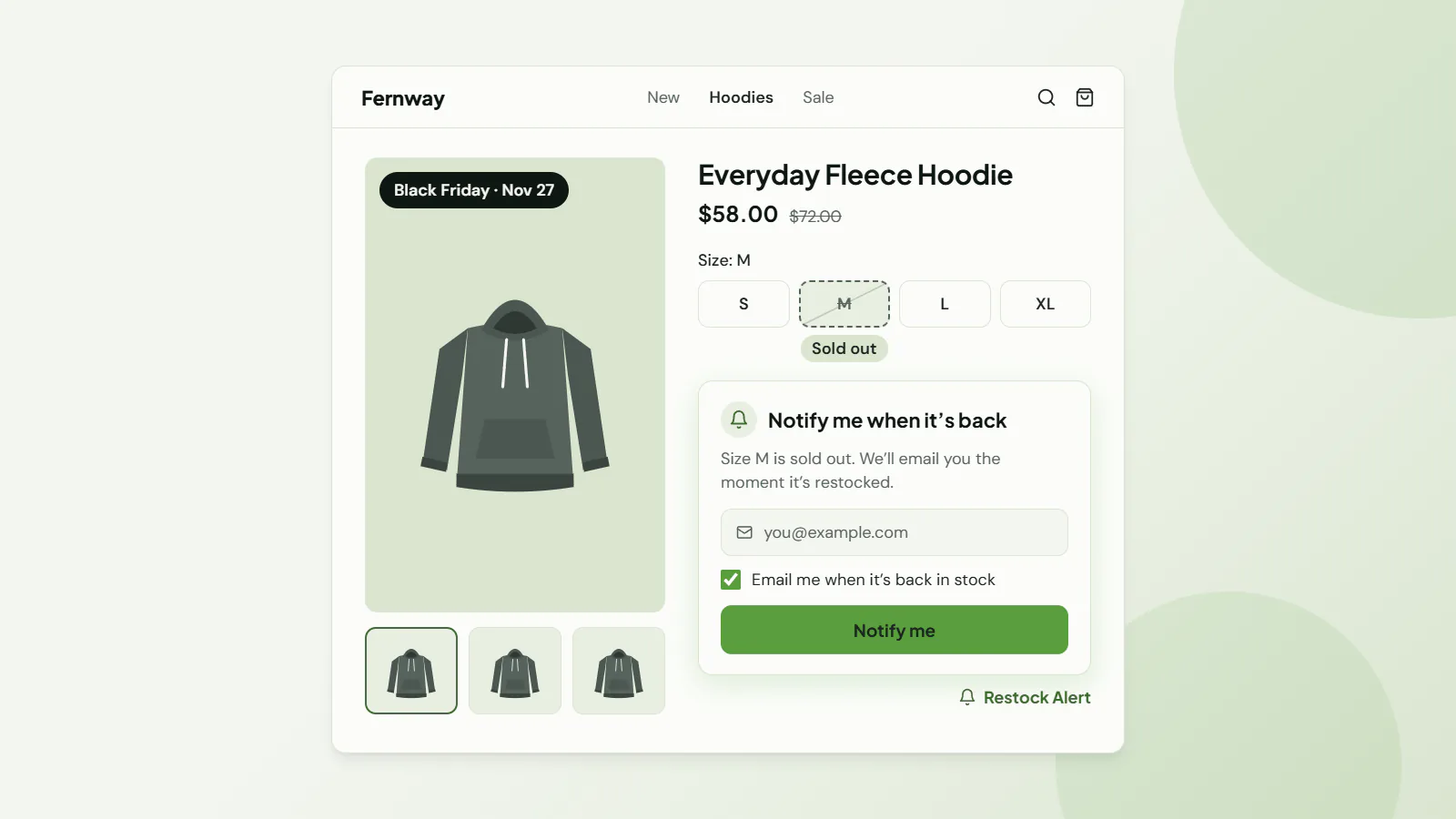
A shopper waiting for size 9 does not care that size 11 is back. The app must let shoppers subscribe to a specific variant, alert only when that variant returns, and link the email button to that exact variant.
3. What counts as back in stock?
Some apps only alert when a stock count goes up. But stores restock in different ways: adding inventory, turning off inventory tracking, or switching on Continue selling when out of stock. A good app alerts whenever the variant becomes purchasable, however it happened.
4. How does pricing scale at Black Friday volume?
Look closely at what you pay for. Per-email, per-SMS or per-subscriber pricing can look cheap in October and expensive in November. Flat monthly pricing with unlimited alerts is easier to budget for a high-volume month.
5. Can you install it without code?
A week before Black Friday is no time to edit theme files. Prefer an app that installs as an Online Store 2.0 theme app block you place in the theme editor, and that you can remove cleanly.
6. Does it protect your store speed?
Your storefront needs to be fast under peak traffic. Check that the widget loads only on product pages, not on every page of your store.
7. Can the emails match your brand?
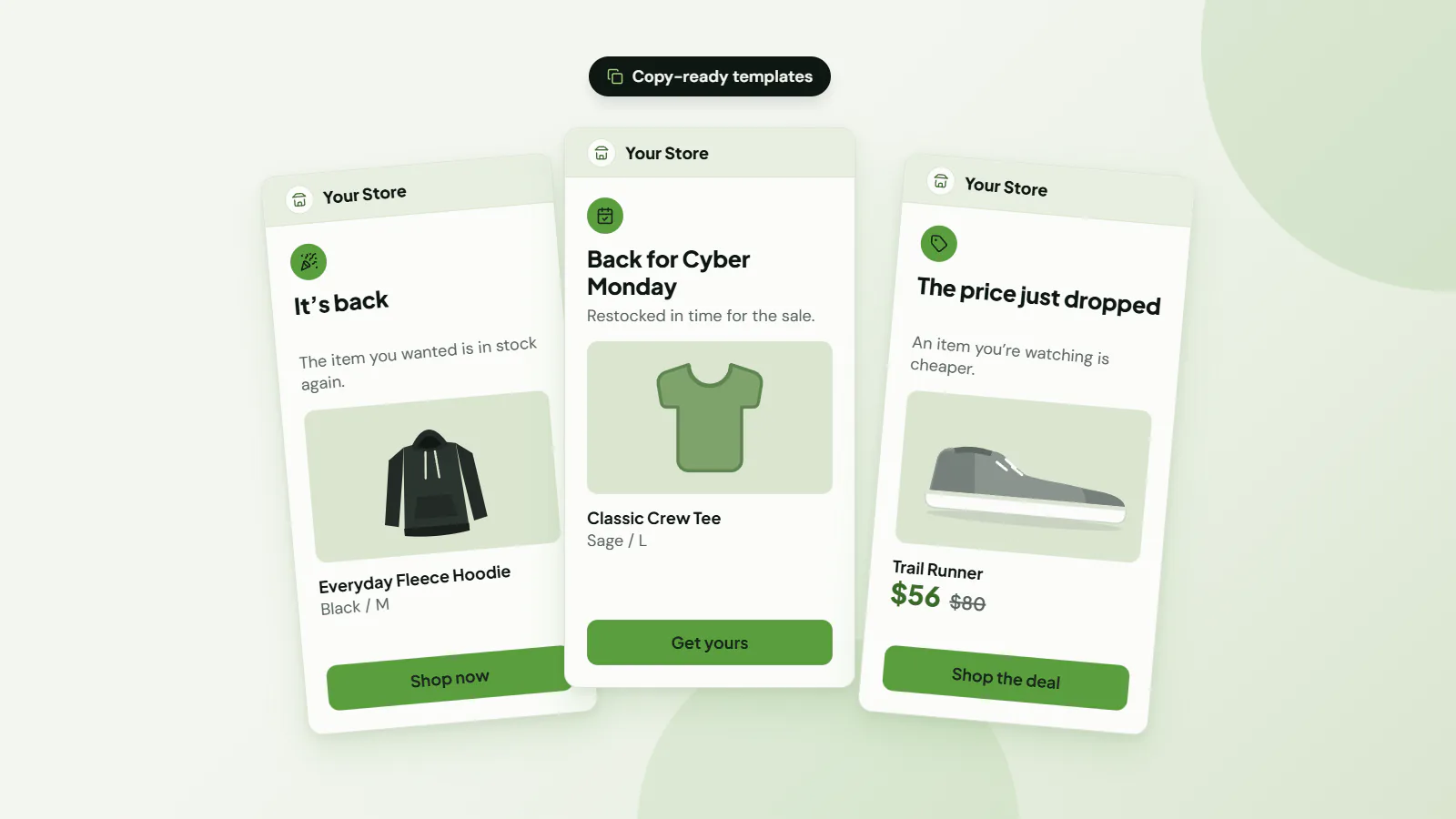
Alert emails should carry your logo, colors and store name, show the product image and variant, and let you edit the wording. See our BFCM email templates for what good looks like.
8. Does it handle consent properly?
Your signup form collects personal data. Look for a consent checkbox on the form and clear unsubscribe links in every email, so your signup flow is ready for the privacy rules in your markets.
9. What does it tell you about demand?
A waitlist is a demand forecast. The app should show how many requests are pending, how many alerts were sent and which products are most requested, so you know what to reorder first.
10. Does it also capture price-sensitive shoppers?
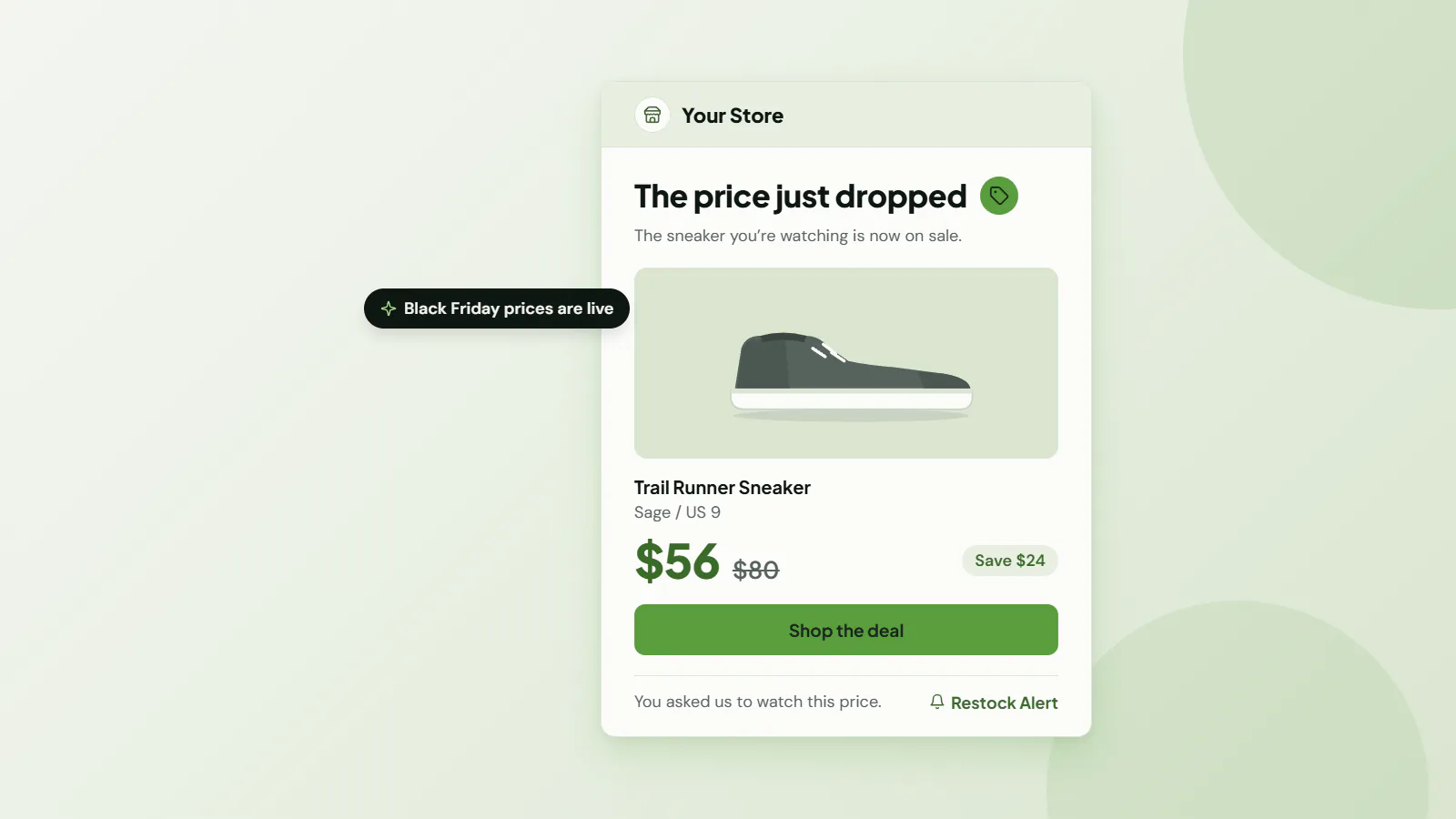
During BFCM, many shoppers are not blocked by stock but by price. An app that also offers price-drop alerts on in-stock products captures both groups from the same widget.
Quick scorecard
Copy this table, score each app you are considering and pick the one with the most checks. Here is how Restock Alert scores.
| Question | What to look for | Restock Alert |
|---|---|---|
| Alert speed | Webhook-driven, instant | ✓ Triggered by Shopify webhooks, no polling |
| Variant level | Subscribe and link to exact variant | ✓ Email button opens the exact variant |
| Back-in-stock trigger | Any way a variant becomes purchasable | ✓ Stock added, tracking off or Continue selling on |
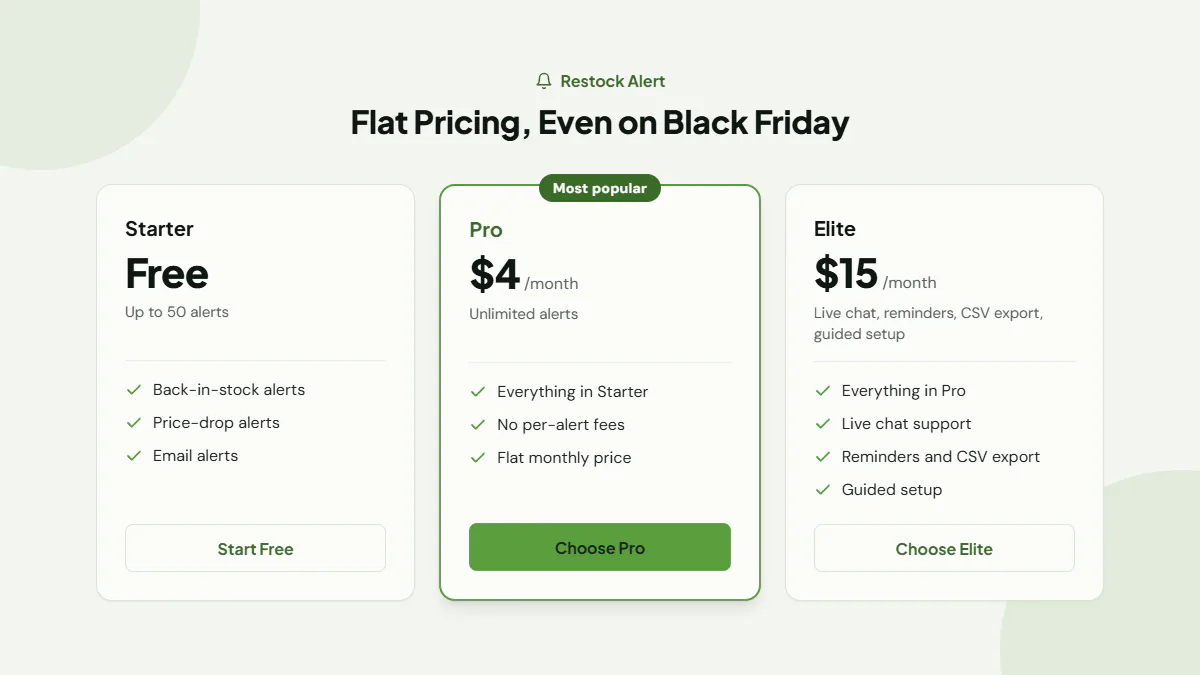
| Pricing at volume | Flat, unlimited | ✓ Free for 50 alerts, $4/month unlimited |
| Install | Theme app block, no code | ✓ One block, about 5 minutes |
| Store speed | Loads only where needed | ✓ Product pages only |
| Branding | Logo, colors, editable copy | ✓ Separate restock and price-drop wording |
| Consent | Checkbox and unsubscribe | ✓ Mandatory consent checkbox |
| Demand data | Pending requests, top products | ✓ Top 5 requested and watched products |
| Price-drop alerts | Same widget | ✓ Switches automatically by stock status |
Extras worth paying for
- Personal follow-up channels. Restock Alert can collect an optional phone number and give you one-tap WhatsApp and SMS links to reach high-value shoppers personally. Nothing is texted automatically, so there are no per-message charges.
- Pending request reminders. On Elite, a short email lists requests nobody has been notified about yet, daily or every 7 days, so waiting customers are not forgotten.
- CSV export. On Elite, export every customer request for your own analysis or email platform.
- Done-for-you setup. On Elite, the Store Buddies team installs and configures the widget for your theme, and you get live chat support inside the app.
Test before you commit
Whatever app you choose, run one end-to-end test before Black Friday: sell out a test variant, subscribe with your own email, restock it and time how long the alert takes to arrive. Check that the email shows the right variant and that the button opens it. If the app passes, you are ready.
For the bigger picture, read how to recover Black Friday stockout sales. Need something more custom? Our custom Shopify app development team builds apps around your exact workflow.