Back-in-Stock Email Templates for Black Friday and Cyber Monday (That Actually Convert)
Copy-ready subject lines, headlines and body copy for back-in-stock and price-drop emails during Black Friday and Cyber Monday, plus the anatomy of an alert email that converts.
Key takeaways
- Restock emails are transactional updates the shopper asked for, so keep them short and specific.
- Name the product in the subject line. It is the strongest open driver you have.
- Show the exact variant the shopper requested, and link the button to that variant.
- During BFCM, add honest urgency: stock is limited and the sale ends on a fixed date.
- Write separate copy for restock emails and price-drop emails.
On this page
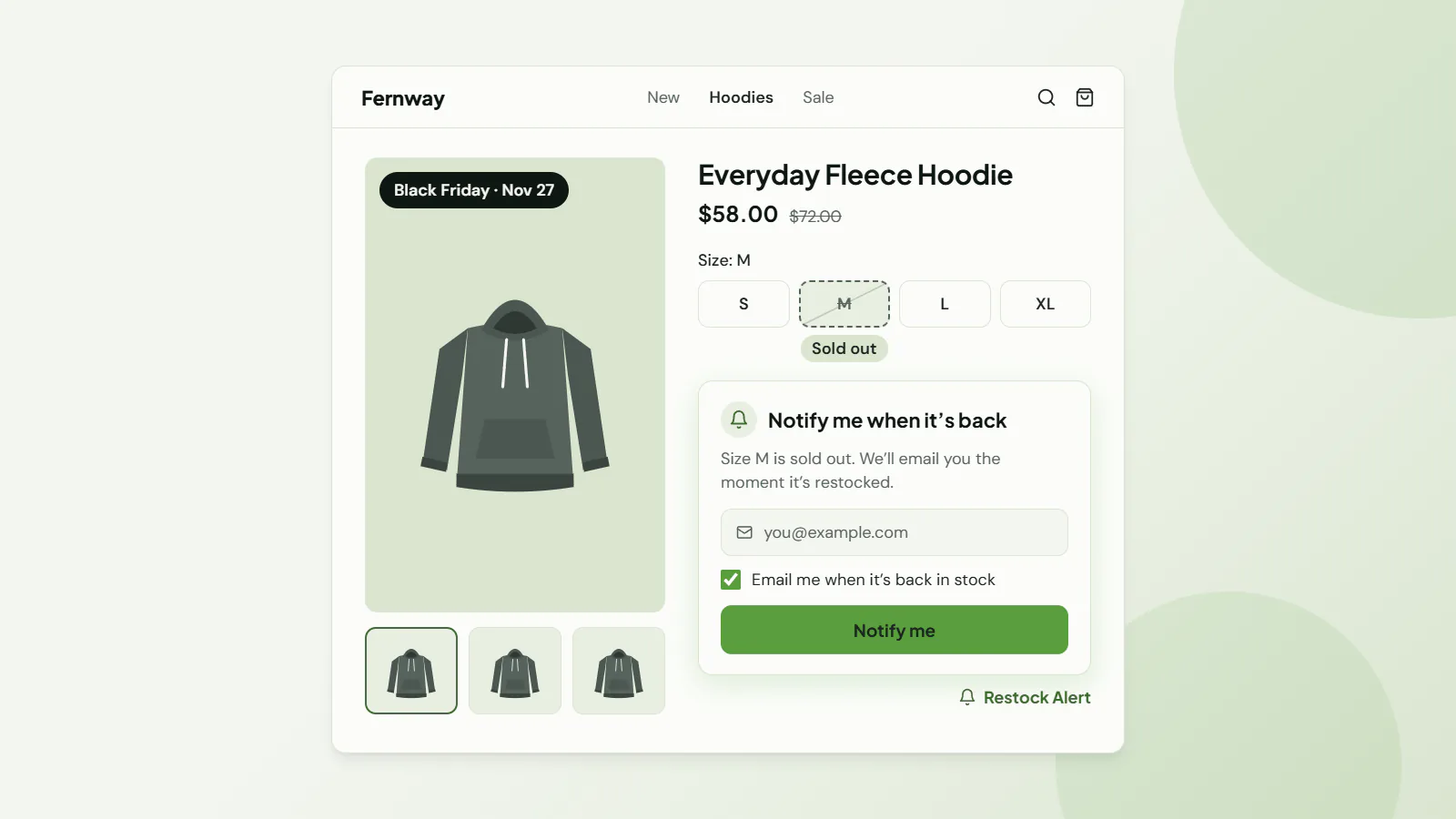
A back-in-stock email is one of the few emails your customers actually want. They asked for it. They chose the product and the variant. When it lands, all it has to do is confirm the item is available and get out of the way. Yet many stores send a generic "An item you wanted is back" notification that undersells the moment.
Below you will find the anatomy of a high-converting alert email, followed by copy-ready templates for Black Friday, Cyber Monday and the weeks after. Use them in any back-in-stock app. If you use Restock Alert, each line maps to a field you can edit in the email customizer.
Anatomy of a restock email that converts
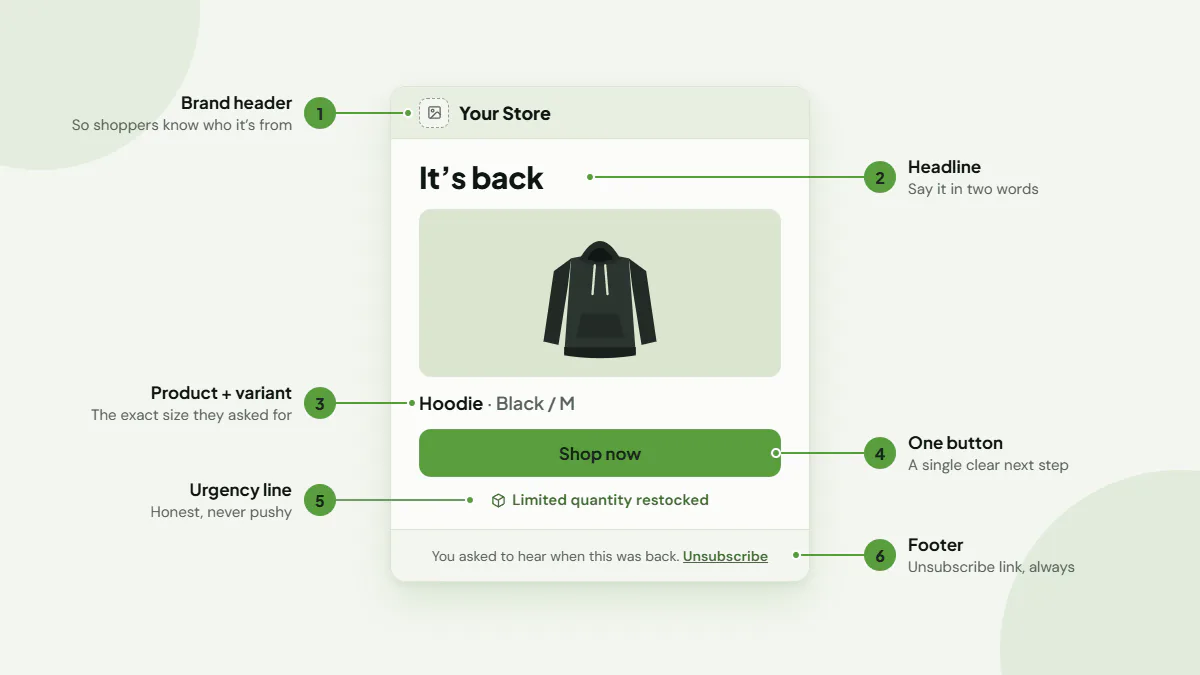
- Brand header. Your logo and store name, so the shopper recognizes you instantly.
- Headline. One short line that says the item is back. Name the product if you can.
- Product image, name and variant. Proof that this is exactly what they asked for: Black, size M, not just the product.
- One button. It opens the exact variant on your store, ready to add to cart.
- Optional urgency line. A brief, honest note about limited stock or a sale end date.
- Footer. Your store details and a clear unsubscribe link.
Back-in-stock subject lines for BFCM
Use the product name wherever your app supports it. Keep subject lines short enough to read on a phone lock screen.
| Situation | Subject line |
|---|---|
| Standard restock | Good news: {product} is back in stock |
| Black Friday restock | {product} is back, just in time for Black Friday |
| Cyber Monday restock | Back for Cyber Monday: {product} |
| Limited quantity | {product} is back (limited stock) |
| Holiday gifting | {product} is back in time for the holidays |
| Price drop | Price drop: {product} is now {new_price} |
| Price drop during sale | {product} just dropped for Black Friday |
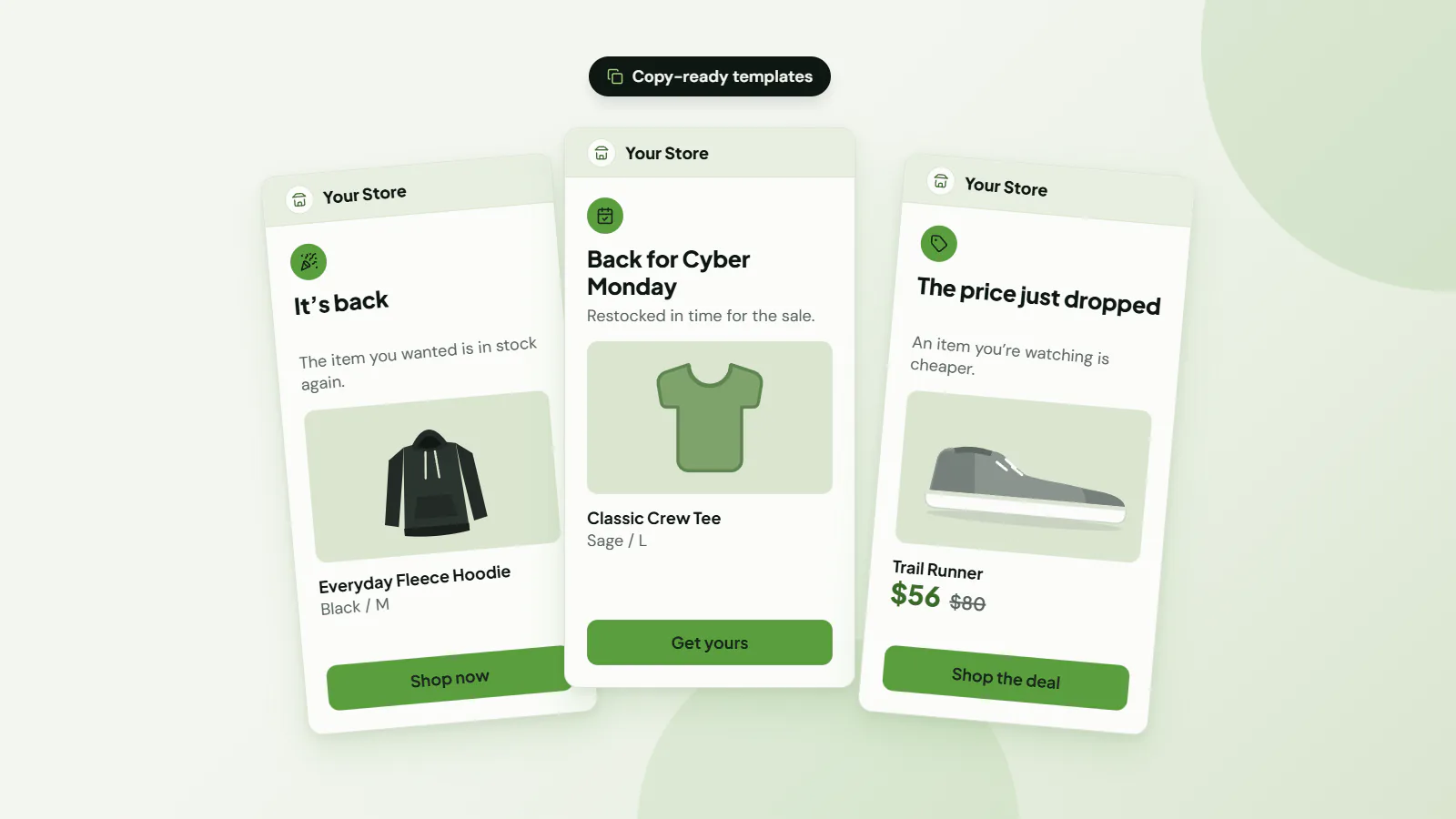
Template 1: Black Friday restock
Headline: It's back 🎉
Subheadline: The {product} you asked about is available again, in time for our Black Friday sale.
Button: Shop now
Note: We restocked a limited quantity, so popular sizes may sell out again.
Why it works: the headline is instant, the subheadline confirms the specific product and connects it to the sale, and the note adds honest urgency without inventing a countdown.
Template 2: Cyber Monday restock
Headline: Back for Cyber Monday
Subheadline: {product} in {variant} is in stock again. Our Cyber Monday prices end tonight.
Button: Get yours
Note: You're receiving this because you asked to be notified when this item returned.
Why it works: it names the variant, gives a real deadline and reminds the shopper why they are getting the email, which helps deliverability and trust.
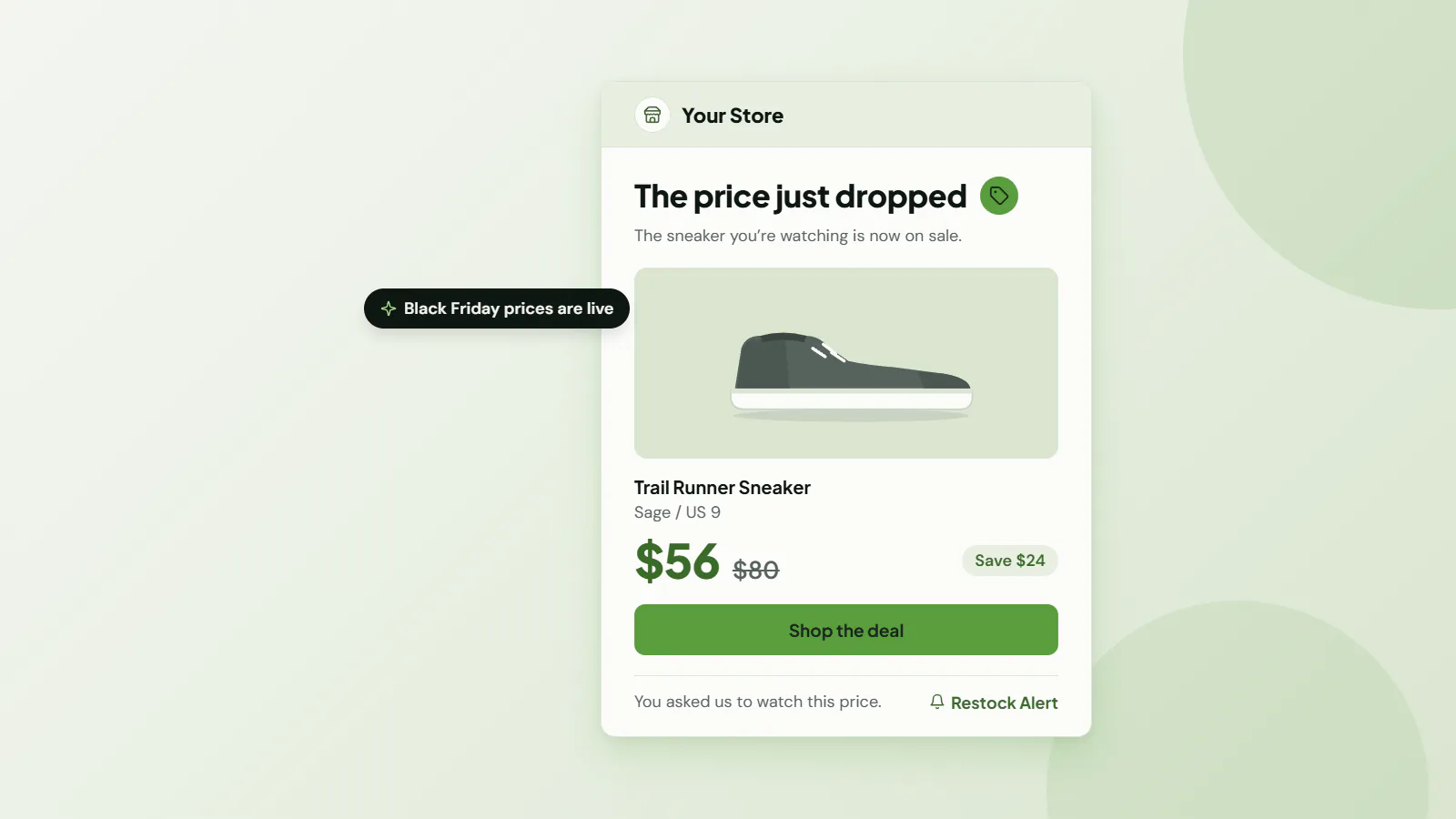
Template 3: Black Friday price drop
Headline: The price just dropped 🏷️
Subheadline: {product} is now {new_price}, down from {old_price}. Our Black Friday prices are live.
Button: Shop the deal
Note: Prices can change when the sale ends.
Why it works: both prices do the selling. Showing the original price struck through next to the new one makes the saving obvious at a glance. Learn how to set this up in price-drop alerts for Black Friday.
Template 4: Post-BFCM holiday restock
Headline: It's back in time for the holidays
Subheadline: {product} is available again. Order soon to make our holiday shipping cutoff.
Button: Shop now
Why it works: after Cyber Monday, the deadline that matters is delivery before the holidays. Mention it plainly and let it carry the urgency.
Do's and don'ts for BFCM alert emails
| Do | Don't |
|---|---|
| Name the product and variant | Send a generic "an item is back" message |
| Link the button to the exact variant | Link to your homepage or a collection |
| Use real urgency: limited stock, real end dates | Invent countdowns or fake scarcity |
| Write separate copy for restock and price-drop emails | Reuse one template for both |
| Send the moment stock returns | Batch alerts and send them hours later |
| Include a clear unsubscribe link | Add the shopper to your marketing list without consent |
Speed beats copy
The best-written restock email still fails if it arrives after the item sells out again. During BFCM, choose an app that sends alerts the moment Shopify reports the variant is purchasable, not on a schedule.
Setting these templates up in Restock Alert
Restock Alert has separate restock and price-drop emails, each with its own headline and subheadline, plus a shop button label and an optional closing line. Brand settings apply to both: store name, logo, colors and footer. Emails automatically include the product image, name and variant, and price-drop emails show the subscribed and new prices.
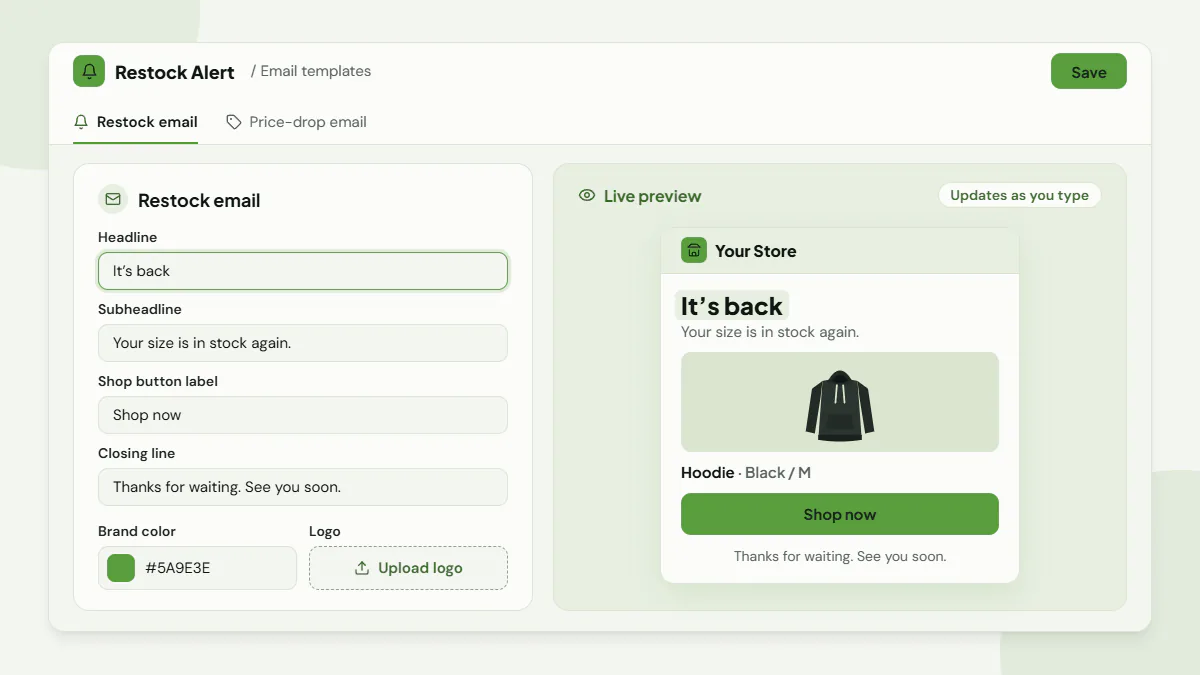
- Open Restock Alert in your Shopify admin and go to the email settings.
- Set your store name, logo and brand colors once. They apply to both emails.
- Paste a headline and subheadline from the templates above into the restock email, and set your shop button label.
- Repeat for the price-drop email with Template 3.
- Subscribe to a test product and trigger a restock to see the real email in your inbox.
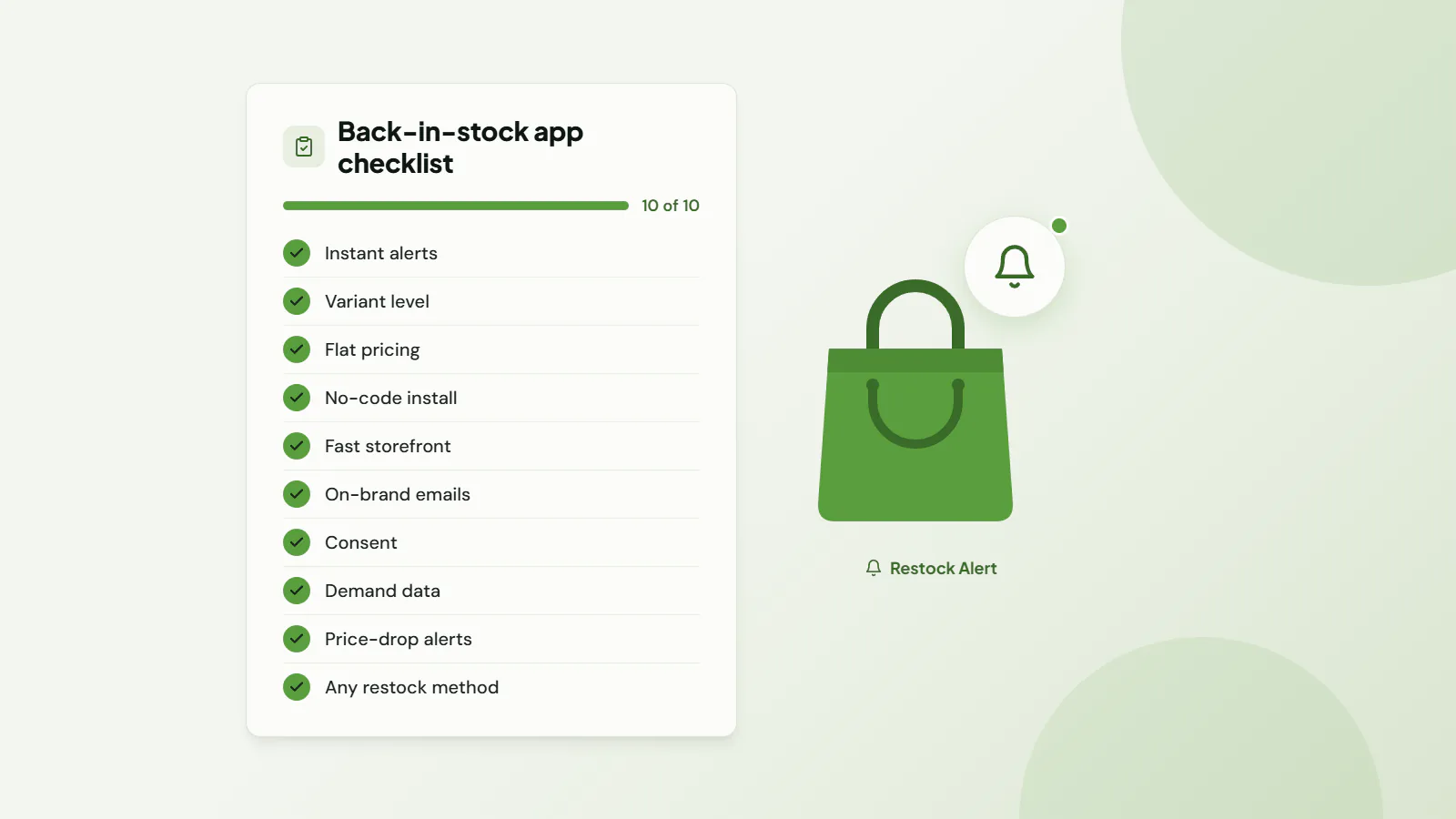
Still choosing an app? Read our back-in-stock app buyer's checklist before Black Friday.